By Johnny on
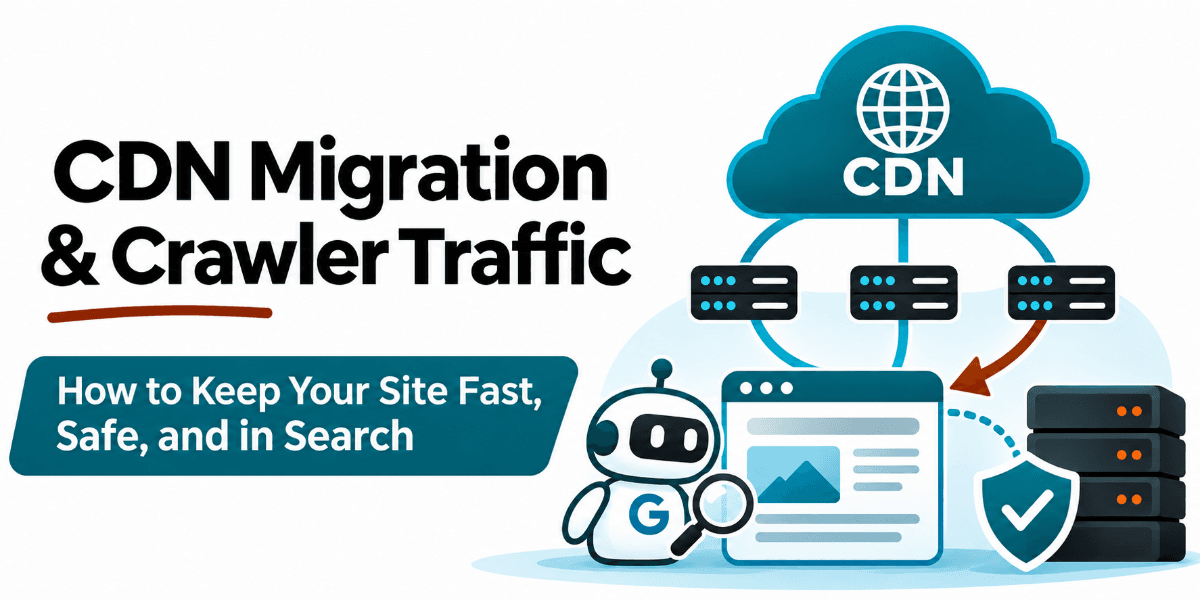
Understanding how crawler traffic behaves during a Content Delivery Network migration is essential for measuring Web Development and deciding how to protect your origin server. While Search Console shows long term click data, the CDN dashboard and server logs show the immediate spike in requests that happens when edge caches are cold. By examining the firewall settings and cache hit rates, you can keep verified bots from being blocked, prevent your origin from crashing, and ensure your pages stay in Search.
The Cold Cache Problem
When you point your domain to a new CDN, the edge servers start with empty caches. Every first request for a unique URL is a cache miss. The edge server must fetch the content from your origin server, store it, and then serve it to the user or crawler.
This process creates a temporary bottleneck. Human visitors usually hit a small set of popular pages, which warm up quickly. Crawlers, however, systematically explore your entire URL inventory. This means a large volume of unique requests hits your origin server at once.
How Googlebot Responds to Speed
Google’s crawling infrastructure monitors your server’s response times. When a CDN makes your site respond faster, Google interprets this as a sign of healthy infrastructure. The system then increases the crawl rate to match the improved performance.
This increase is normal and beneficial in the long run. However, if your origin server cannot handle the sudden load, it may become slow or unresponsive. This can degrade the user experience and confuse the crawling systems. The goal is to let the cache warm up without overwhelming the backend.
Configuring Firewall Rules Safely
It is tempting to enable blanket bot protection when you see a traffic spike. This approach treats all automated traffic the same. It blocks unwanted bots, but it also blocks Googlebot. If Googlebot encounters a CAPTCHA challenge or a 403 error, it cannot index your pages.
You should configure your CDN or Web Application Firewall to allow verified bots. Most platforms have a setting for this. You can also use your robots.txt file to target specific unwanted bots. This keeps your site secure while ensuring search engines can access your content.
Pre Warming and Rate Limiting
You can reduce the load on your origin by pre warming your caches. Before routing all traffic to the new CDN, fetch your highest traffic pages through the new network. This populates the edge caches so the first real user or crawler request is a hit, not a miss.
If your origin is still under stress, you can use temporary rate limiting. Return a 429 or 503 status code for a short period. This tells crawlers to slow down. It gives your server time to catch up while the caches fill. Remove these limits once the load stabilizes.
Monitoring the Transition
Watch your server logs and CDN metrics during the first few days. Look for the ratio of cache hits to cache misses. As the cache warms up, the hit rate should rise. The load on your origin should drop. If you see persistent errors or high latency, adjust your firewall rules or rate limits.
This is a technical detail that protects your visibility. A blocked crawler means lost traffic. A crashed server means lost leads. Handling this setup correctly ensures your site remains fast and accessible to both users and search engines. It is a small piece of the work that keeps the whole system running smoothly.
Search Console and analytics
Check the CDN dashboard for the cache hit rate. It should climb toward a high percentage within a few days. Check your server logs for a decrease in direct origin requests. Verify in Search Console that your pages are still being crawled and indexed. If these metrics look healthy, the migration is complete.
Frequently Asked Questions
Why does crawler traffic spike after a CDN migration?
The CDN makes your site respond faster. Google sees this as a sign of health and increases the crawl rate. The cold cache also forces many requests to your origin server at once.
Should I block all bots to protect my server?
No. Blocking all bots stops Googlebot from indexing your site. Use verified bot exemptions in your firewall settings to allow search engines while blocking unwanted traffic.
How long does it take for a CDN cache to warm up?
It depends on your traffic volume. Pre warming your top pages can speed this up. For most sites, the cache is mostly populated within a few days.
What status code should I use to slow down crawlers?
Use a 429 or 503 status code for a short period. This tells crawlers to back off. Remove the limit once your server load stabilizes.