
Who Local AI is for
Local AI is for a business that cannot send its files to a cloud tool.
A clinic, a law office, a lender, or a shop whose contract keeps the files in house.
Ask a lawyer what your business is allowed to send. We set up the machine.
The model runs on a machine you own. A question about a price, a contract, or a past job stays on that machine.
One byte of that answer never leaves the office without your permission.
Get Started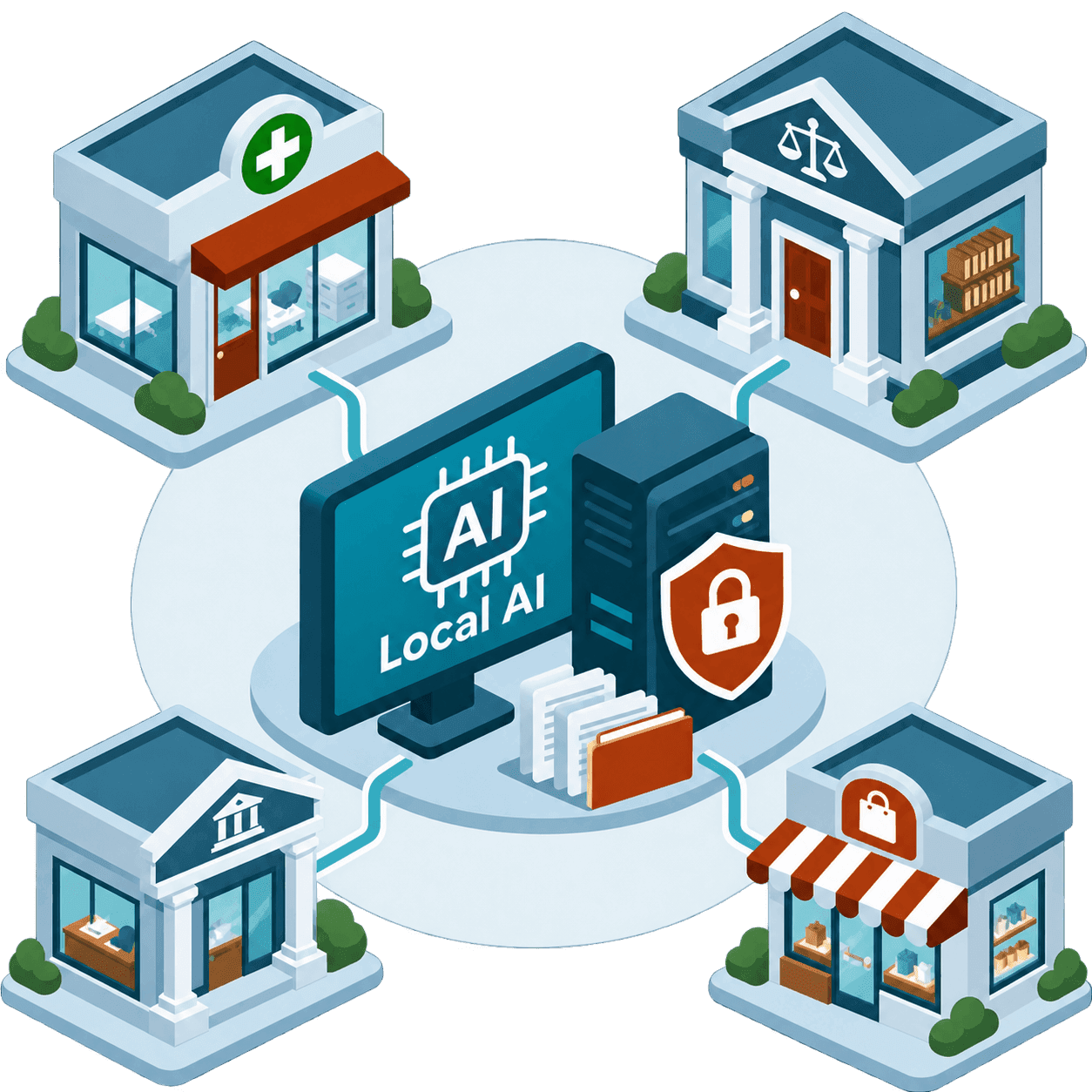
What we set up
The computer
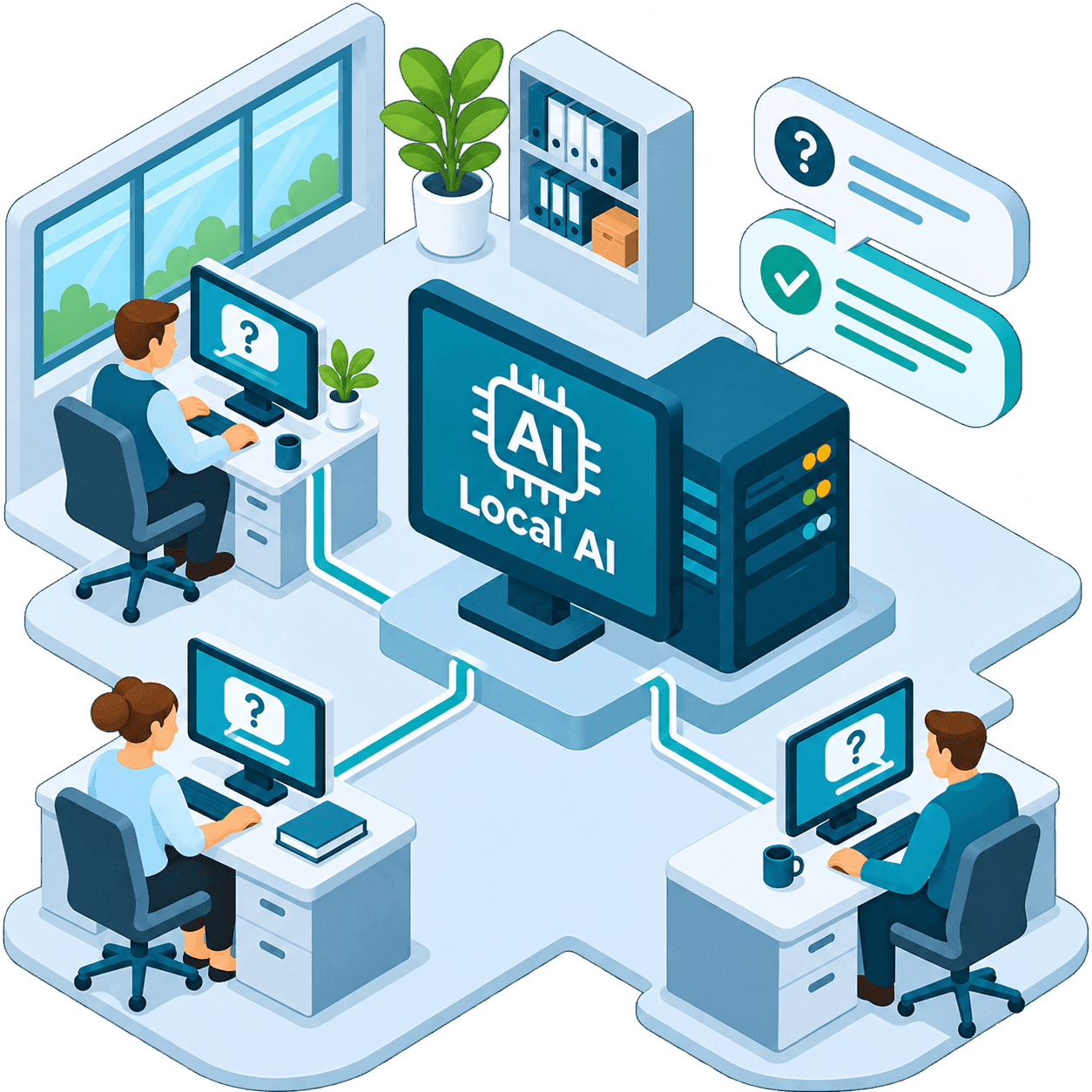
We put the model on a computer in your office, or on a server you already run.
Your staff open a page on that network and ask a question. The answer comes back from that machine.
The files you choose
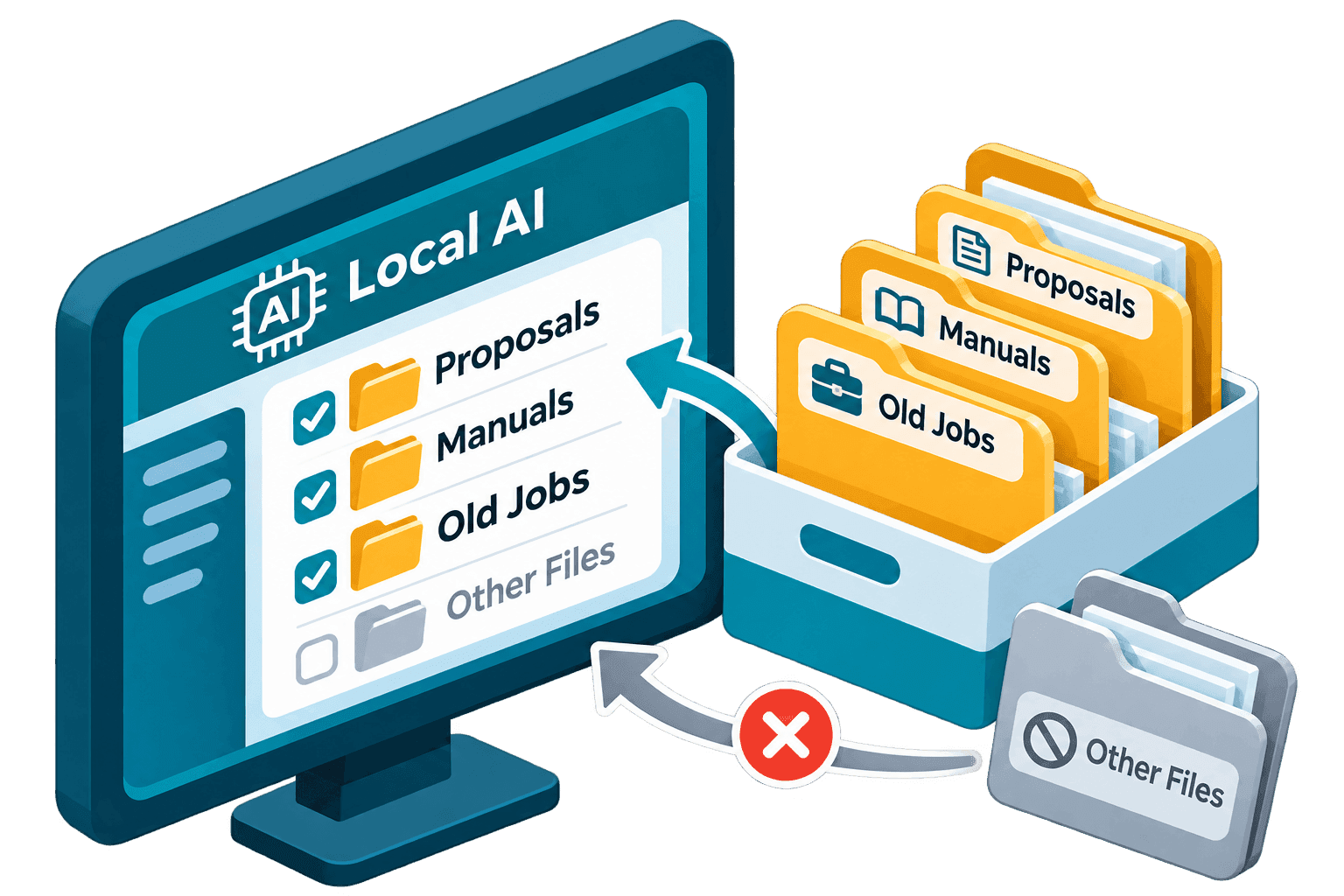
You name the folders.
Proposals, manuals, and old jobs can sit in that set. A file you leave out stays out.
The people who will use it
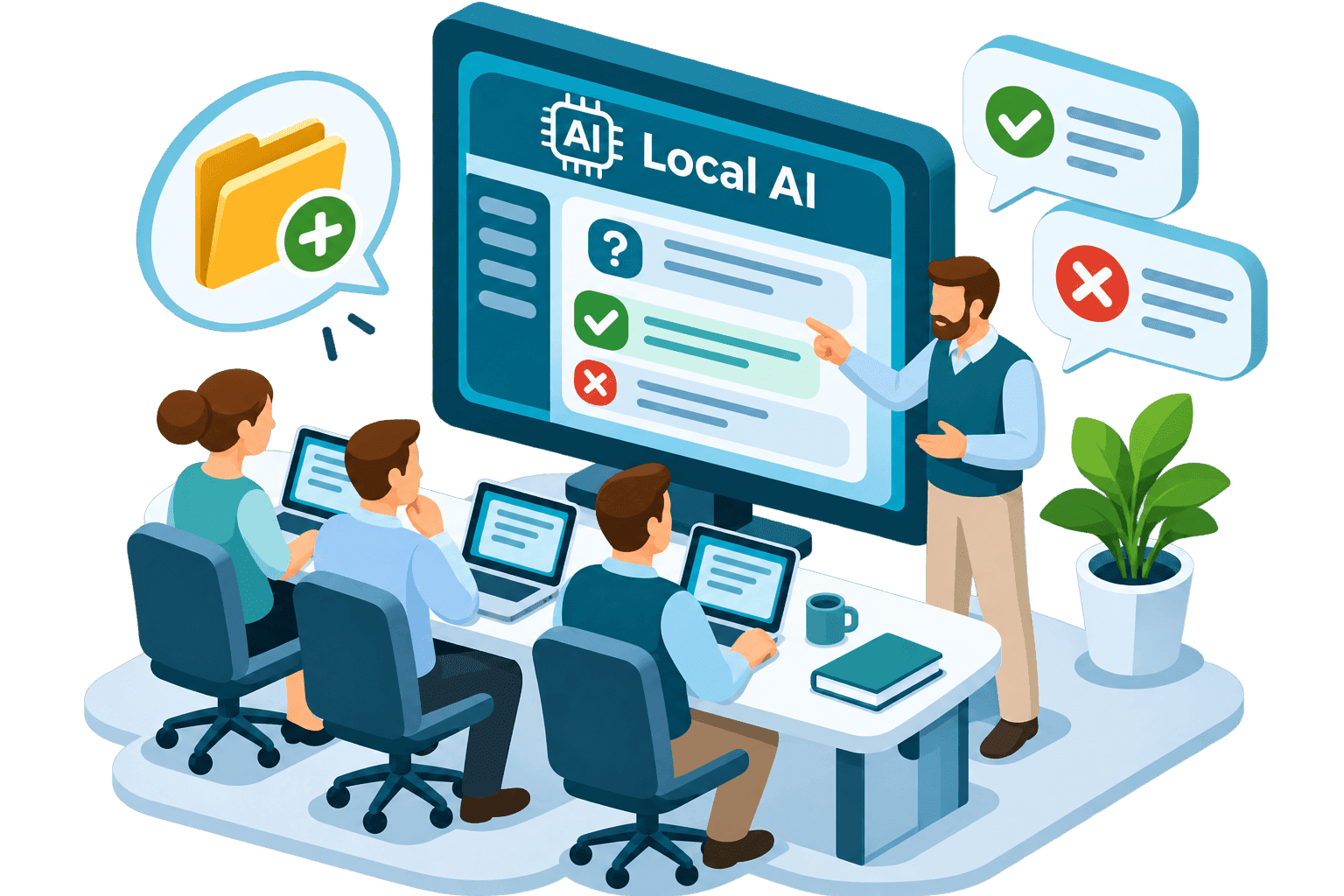
We sit with the people who will ask the questions.
They learn what a useful answer looks like, and what to do when the answer is wrong.
You call us when a folder needs to be added.
What stays in the office
A first pass on a draft does not have to go to a public chat tool.
When a job does need a cloud tool, you send it on purpose.
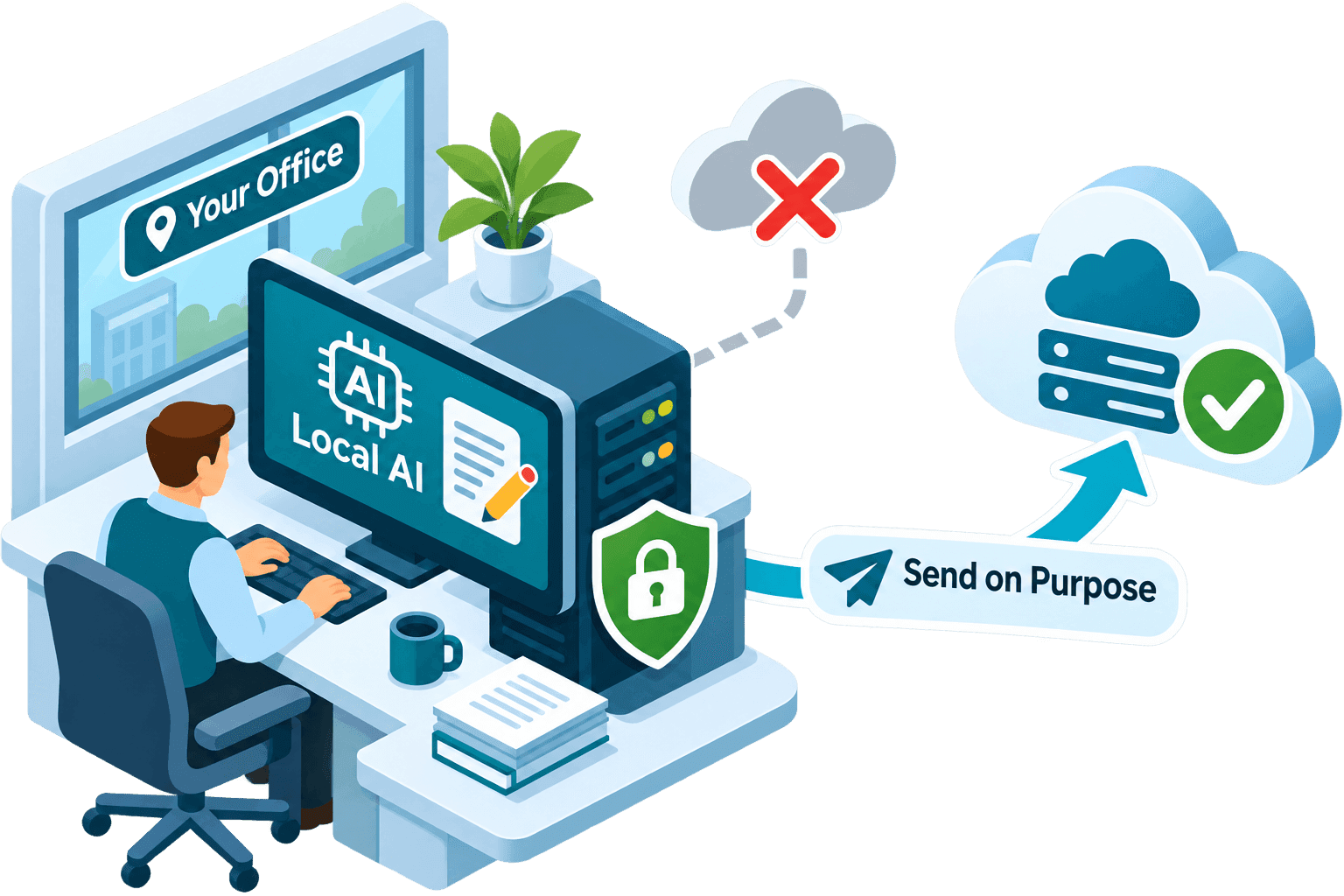
Local AI on a machine you can point to
We set up the computer, connect the folders you name, and show your staff how to ask.
In Chattanooga we can do that in the office. Everywhere else, we do it on a machine we can reach.
Get Started