
By Johnny on
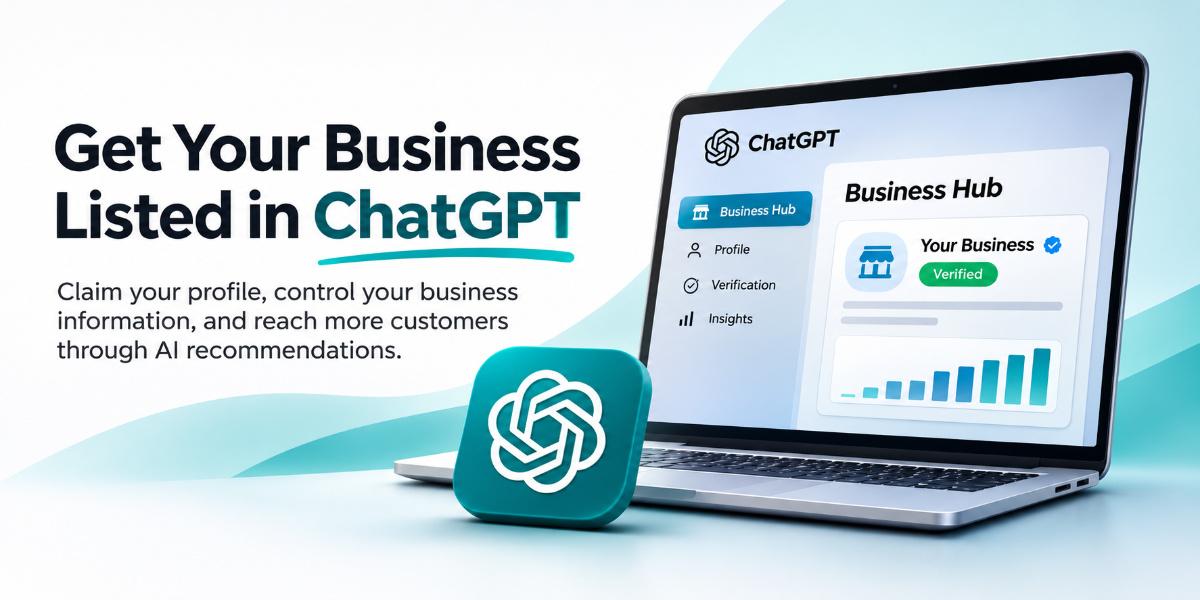
Knowing how AI assistants select and display business information is essential for measuring Search Engine Optimization and deciding where to focus your next update. While Search Console tracks traditional search clicks, you can also identify these AI driven visits in your analytics or server logs. By examining the Business Hub, you can verify your domain, control your business description, and see how your profile appears in AI conversations.
The Business Hub Dashboard
OpenAI launched the Businesses in ChatGPT feature in beta on November 10, 2026. This tool lets you submit your website’s business information to create or claim a profile. It works differently from Google Business Profile, which requires in person contact with customers. The ChatGPT hub accepts eligible online only businesses that do not have a physical storefront.
The dashboard acts as the control center for your AI presence. You manage your business category, description, and contact details here. It also shows the status of your verification process. If you are a local service company in Chattanooga, this is a new channel to reach customers who ask AI for recommendations.
Eligibility and Verification
You need access to your domain’s DNS settings to verify your website. The process involves adding a TXT record to prove you control the domain. You also need a government issued ID for a personal identity check. For businesses with existing local listings, the process may involve SMS or automated call verification.
OpenAI states that claiming a business does not guarantee higher placement. The AI still makes its own recommendations based on relevance. However, having a verified profile ensures your information is accurate when the AI does choose to mention you.
Steps to Claim Your Profile
Start by signing in to ChatGPT and opening the Business Hub. Search for your business name to see if a profile already exists. If it does not, select the option to create a new profile. Choose the interaction type that fits your business, such as through a website or a physical location.
- Verify your domain by adding the provided TXT record to your DNS settings.
- Select a business category from the predefined list and write a description using the language your customers use.
- Add optional contact details like a business email or phone number.
- Answer policy questions about delivery and returns, even if they do not apply to your service.
- Review the saved draft and complete the personal identity verification.
The description field is critical. It tells the AI what your business does and who it serves. Write it with the same care you would use for a meta description on your website.
Why This Matters for Your Traffic
When a user asks an AI assistant for a product or service like yours, the answer can drive a visit that turns into a purchase. This is a new form of organic visibility that does not rely on traditional search engine rankings. It is about being the right answer to a specific question.
If your business is not in the hub, the AI might not have accurate information about you. It could miss your services or provide outdated details. Claiming your profile gives you control over the narrative. It ensures that when the AI recommends a local service, it is recommending the right one.
Tracking the Results
You can see the status of your profile in the Business Hub dashboard. It shows whether your business is verified, pending, or rejected. The dashboard also offers insights into how your profile is being used. You can see if your business is being mentioned in conversations.
For traffic tracking, look at your analytics for referrals from AI platforms. You may also see a spike in direct traffic if users are visiting your site after an AI recommendation. Keep an eye on your Google Analytics to spot these new patterns. The data will help you understand how much of your traffic is coming from AI assistants.
One small byte of this work is the description field. It is the text the AI reads to decide if you are a good match. Name the service you provide and the problem you solve. Then check the Business Hub to see if the profile is live.
Frequently Asked Questions
Does claiming a profile guarantee top placement?
No, OpenAI says claiming does not guarantee higher placement. The AI still makes its own recommendations based on relevance.
Can online only businesses submit?
Yes, unlike Google Business Profile, the ChatGPT Business Hub accepts eligible online only businesses.
What do I need to verify my domain?
You need access to your DNS settings to add a TXT record provided by ChatGPT.
How does claiming my business help with AI search visibility?
Claiming your business allows you to manage important details like your services, business description, and contact information. While it doesn’t guarantee AI recommendations, it helps ensure your business information is accurate and up to date.
How do I track traffic from ChatGPT recommendations?
Once your business is verified, you can use the Insights section of ChatGPT Business Hub to track how often your business is mentioned, how many website clicks it receives, and which topics lead customers to discover your business.