Johnny
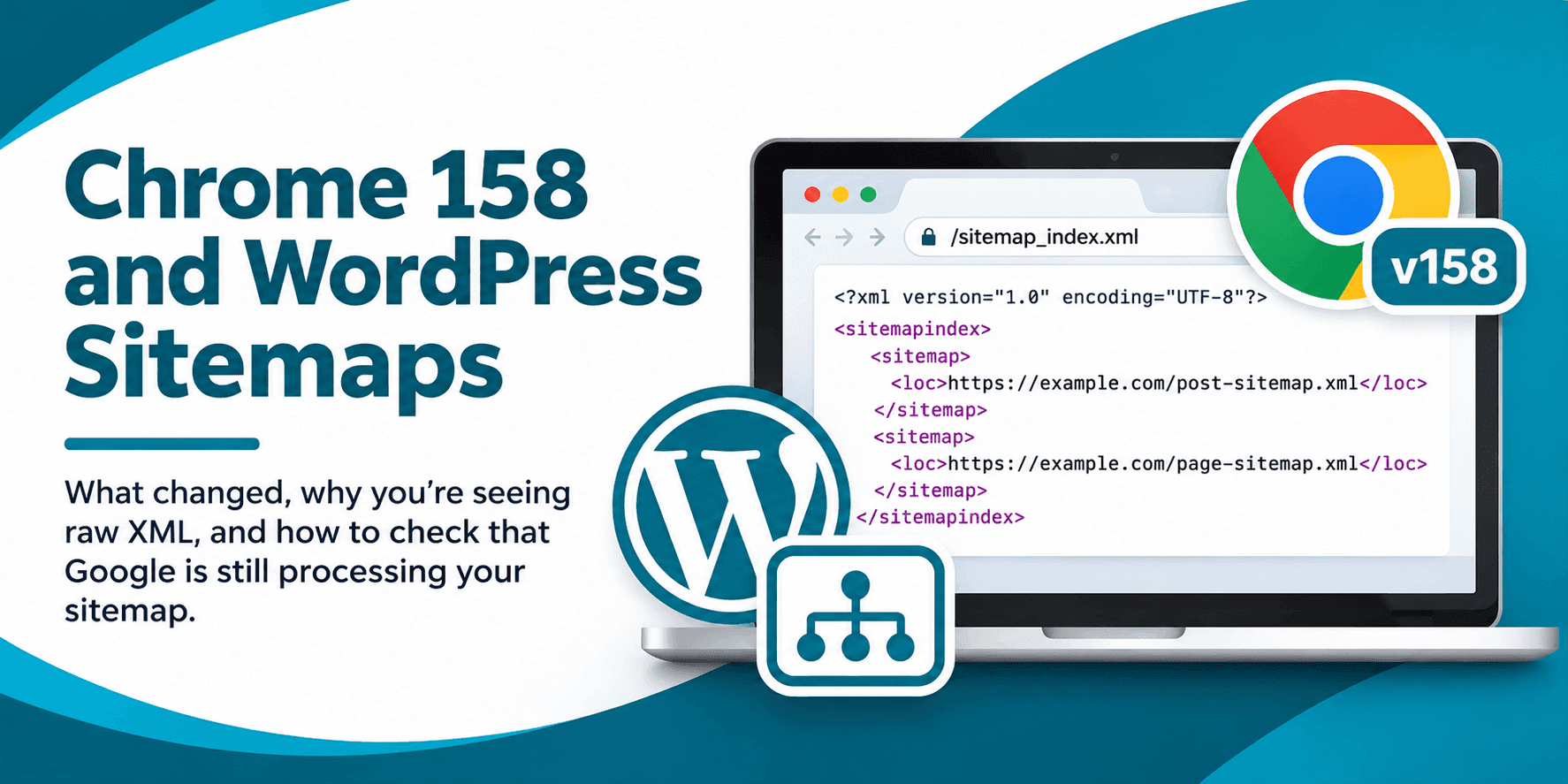
Chrome 158 stopped supporting client side XSLT on November 17, 2026. That change affects how some WordPress sitemaps appear when people open them in Chrome, not how search engines read them. If you now see raw XML instead of a formatted list of links, you can check whether Google is processing the sitemap before making changes to your site.
XSLT is a browser feature that can transform XML data into a more readable page. Some WordPress sitemaps include a reference to an XSLT stylesheet so browsers can display the XML as a formatted table. Without XSLT support, Chrome shows the underlying XML instead.
Chrome’s change applies to browser side XSLT processing, including the stylesheet instruction used by XML files. Chrome’s timeline includes temporary exceptions for some enterprise and origin trial participants, but those do not change what most site owners should expect. You can read Chrome’s XSLT deprecation documentation for the technical details and timeline.
Raw XML can look alarming if you’re used to a tidy sitemap display. But the display is for people viewing the file in a browser. Search crawlers read the sitemap’s XML data directly, so losing its styling does not by itself stop crawling, change indexing, or affect rankings.
To check whether Google can access your sitemap, open the correct property in Google Search Console and review the Sitemaps report. Find the sitemap you submitted and look at its status and last read information. A successful status is a useful sign that Google has fetched and processed the sitemap without a reported error.
Keep in mind that a successful sitemap status does not mean every URL in it is indexed. A sitemap helps Google discover URLs, but it does not guarantee that Google will crawl or include each one in search results. If Search Console reports an error, investigate that specific issue rather than treating the raw XML display in Chrome as the cause.
Also confirm that you’re checking the sitemap your site actually serves. SEO plugins typically use /sitemap_index.xml. Use the address listed in your site configuration or previously submitted in Search Console rather than assuming every WordPress site uses the same URL.
The XSLT stylesheet changes how a browser presents sitemap data to a person. It is not what makes the sitemap readable to Google’s crawler. That means Chrome showing unstyled XML is not evidence of a sitemap outage, and it does not indicate a problem with your site’s loading speed or server performance.
Your sitemap still needs to be accessible and valid XML. If Search Console reports a fetch or parsing issue, or if the sitemap URL returns an error, that deserves attention. But a plain XML view on its own is a presentation change, not a technical SEO problem.
This distinction is useful when you’re reviewing search performance or responding to a client. A browser view and a crawler’s ability to read a sitemap are two different things. Check the sitemap report and investigate actual errors before changing plugins or editing sitemap files.
You do not need to make an emergency sitemap change just because Chrome now displays raw XML. A practical check takes only a few minutes:
Chrome’s removal is part of a broader effort to remove browser support for an older transformation feature. It does not mean WordPress sitemaps need to be replaced. Treat any plugin or WordPress update as a normal maintenance decision, not an urgent SEO fix prompted by the appearance of XML in Chrome.
XML sitemaps are built for crawlers. If visitors, editors, or clients need a clean directory of your site’s content, create a separate HTML page for that purpose. In the WordPress editor, blocks such as Page List or Categories can help present selected site content in a readable format.
An HTML sitemap is optional and serves a different audience from an XML sitemap. It may help people find pages, but you do not need one to fix Chrome’s XSLT change or preserve search indexing. Keep the XML sitemap available for crawlers, and build a human readable page only if it is useful to your visitors.
No. Chrome’s change affects how the browser displays XSLT styled XML. Search crawlers read sitemap XML directly, so the display change alone does not affect indexing.
Check the sitemap’s status and last read details in the Sitemaps report in Google Search Console. A successful status means Google processed the submitted sitemap without a reported error, but it does not guarantee that every listed URL is indexed.
Not solely because Chrome displays raw XML. Check Search Console for actual sitemap errors and make configuration changes only when there is a separate technical reason.