By Johnny on
Mautic 5 Has Reached End of Life: What You Need to Know
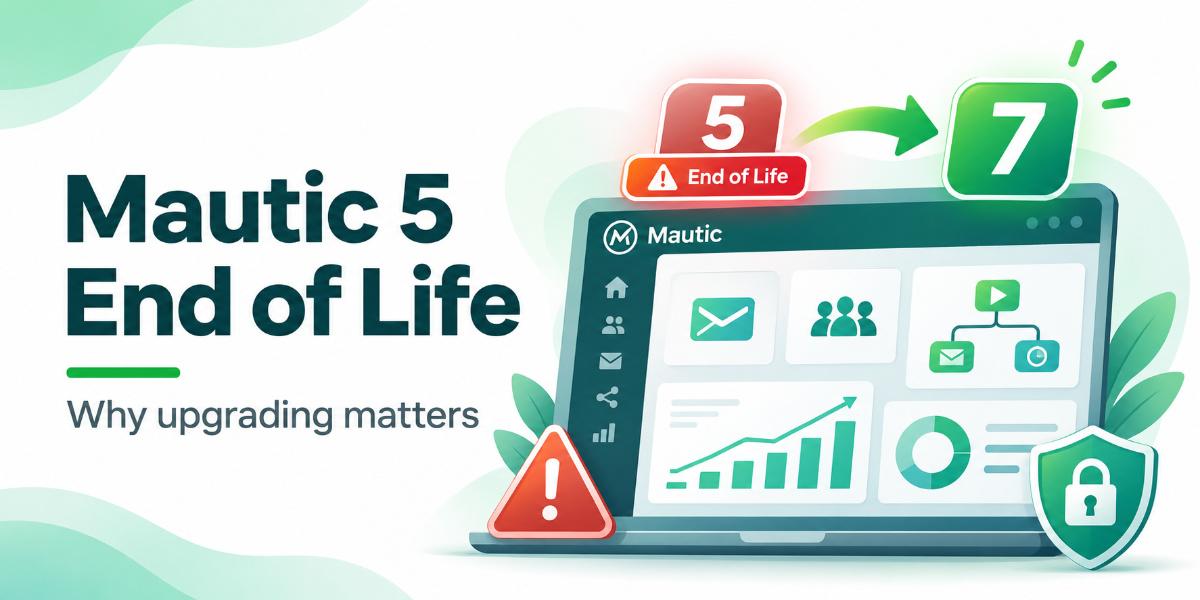
Mautic 5 is officially end of life. As of October 26, 2026, the platform no longer receives free community security updates. If your business still relies on Mautic 5 for email marketing, contact management, or automated campaigns, now is the time to plan an upgrade.
Your emails may still send. Your automations may continue running. Your contact segments may update without issues. However, just because everything appears to be working doesn’t mean your Mautic instance is secure.
When software reaches end of life, newly discovered vulnerabilities are no longer addressed through standard security updates. That leaves businesses running outdated versions exposed to security risks that could compromise customer information and disrupt marketing operations.
What Does Mautic 5 End of Life Mean?
End of life (EOL) means a software version has reached the end of its official support period.
For Mautic 5, this means:
- No more free security patches: Newly discovered vulnerabilities will not receive fixes through standard community releases.
- No additional bug fixes: Issues affecting performance or functionality will no longer be resolved in Mautic 5.
- Potential compatibility problems: Newer PHP versions, server environments, and third-party integrations may eventually stop working with the outdated software.
- Increased security risks: Unsupported software can leave sensitive customer information more vulnerable to unauthorized access.
Mautic does offer a paid Extended Long Term Support (ELTS) program for businesses that need additional time before upgrading. However, moving to a supported version is generally the better long-term solution.
How to Check Your Mautic Version
Not sure which version of Mautic your business is running? You can usually find out in less than a minute.
- Log in to your Mautic dashboard.
- Scroll to the bottom of the dashboard and locate the version information.
- Look for a version number such as 5.2.x.
- If your version begins with 5, you’re running Mautic 5 and should plan an upgrade.
If you cannot locate the version number, your website administrator or hosting provider can help identify your installed version.
Why Upgrading Mautic Matters
Your Mautic installation does more than send marketing emails. It stores contact information, manages customer interactions, tracks engagement, and powers the automated workflows your business depends on.
Running an unsupported version puts more than your email campaigns at risk.
Protect Your Customer Data
Your Mautic database may contain names, email addresses, behavioral data, and other customer information. Keeping the platform updated helps protect that information against known security vulnerabilities.
Keep Your Automations Running
Campaigns, scheduled emails, contact segments, and integrations are essential to successful email marketing. Maintaining a supported Mautic installation reduces the risk of compatibility problems and unexpected disruptions.
Maintain Compatibility With Your Integrations
If your business connects Mautic with WordPress, WooCommerce, or other third-party platforms, software compatibility matters. Upgrading helps ensure your marketing tools can continue working together as their underlying technologies evolve.
What Version Should You Upgrade To?
Mautic 7 is the recommended upgrade path for businesses still running Mautic 5.
Mautic 6 has also reached the end of its free security support period, making it a poor long-term upgrade destination.
Fortunately, Mautic supports upgrading directly from version 5 to version 7 without requiring a separate installation of version 6.
Before upgrading, it’s important to:
- Create a complete backup of your Mautic files and database.
- Verify that your hosting environment meets the new version’s requirements.
- Review installed plugins, themes, and third-party integrations for compatibility.
- Test the upgrade in a staging environment whenever possible.
- Confirm that campaigns, segments, forms, and scheduled tasks function correctly after upgrading.
A properly planned upgrade helps minimize downtime and protects the marketing data your business has spent time collecting.
Don’t Wait for a Security Issue to Upgrade
Outdated software doesn’t always show obvious warning signs. Your Mautic instance could continue operating normally while remaining exposed to vulnerabilities that will never receive a free patch.
The longer your business relies on an unsupported version, the more difficult maintaining compatibility and security can become.
If you’re still running Mautic 5, upgrading should be a priority, not something you put off until something breaks.
Frequently Asked Questions
Is Mautic 5 still safe to use?
No. Mautic 5 is no longer supported. It will not receive security patches. You should plan an upgrade to a supported version.
What happens if I stay on Mautic 5?
Your sends will still work, but the software will not be updated for security issues. This puts your data at risk.
How do I check my Mautic version?
Log in to your Mautic dashboard and go to the footer area. The version number is listed there.
Can I upgrade Mautic 5 to a newer version?
Yes. You can upgrade to a supported version. The process involves updating the files and the database. Take a backup first.