Johnny
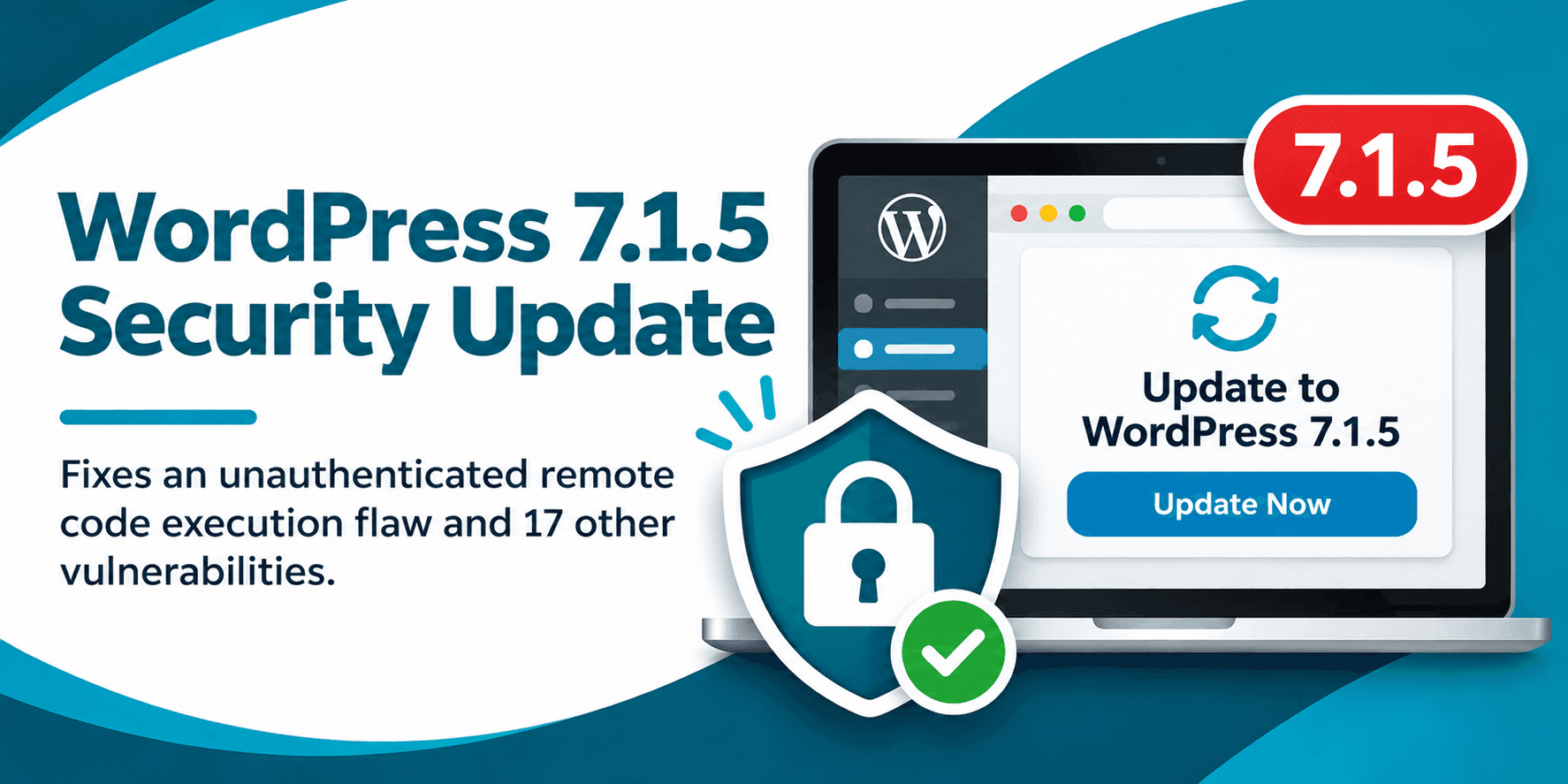
An unauthenticated security flaw addressed in the WordPress 7.1.5 update could let an attacker run code on a website’s server. That kind of access can put site files, data, and administrative accounts at risk. The update also fixes other issues, including cross site scripting and SQL injection vulnerabilities. If you manage a WordPress site, check its installed version and apply the appropriate security update promptly.
The 7.1.5 release addresses 18 vulnerabilities and includes two security improvements. The highest risk issue described in the release coverage involves Template Part block attributes and could lead to remote code execution without requiring authentication.
Remote code execution, or RCE, means an attacker may be able to make a server run code they control. Depending on what that access allows, they could change site files or data, create unauthorized accounts, or install code that keeps giving them access. The specific technical details of this flaw are limited, so site owners should focus on applying the security fix rather than trying to assess exploitability on their own.
Updating reduces exposure to this known issue, but it does not prove that a site was never accessed or that no other security problem exists. If your website shows unfamiliar accounts, unexpected file changes, or other signs of compromise, treat that as a separate incident and investigate it.
The release also covers cross site scripting, SQL injection, information disclosure, authorization, and denial of service issues. One reported stored cross site scripting flaw involved shortcode attributes in comments and did not require an attacker to log in. Stored XSS can run code in a visitor’s browser when they view affected content, potentially putting accounts at risk.
Two SQL injection vulnerabilities involved database queries. WordPress uses WP_Meta_Query to build SQL clauses that filter content or users by metadata.
Multisite owners should pay particular attention to the reported administrator to super admin takeover issue. It required an attacker to obtain an Administrator account on a site in the network, but could then affect the wider multisite installation. Review who has administrative access across your network, and remove accounts that no longer need it.
WordPress made the update available through the dashboard and as a download, with automatic updates supported. Use the dashboard or your hosting provider’s normal update process, and check the WordPress core update instructions if you need help with the available options.
Make WordPress core updates part of a regular maintenance routine rather than waiting for a problem to appear. Keep a record of when updates are applied, who manages them, and whether critical site functions were tested afterward. For multisite installations, include administrator access across the whole network in your review.
Also confirm that backups are current and that you know how to restore them. A backup is useful only if it can be recovered, so periodically verify the process with your host or technical team. These steps do not replace patching, but they give you a clearer response plan when an update or security issue needs attention.
It involves Template Part block attributes and could allow an unauthenticated attacker to run code on the server, creating a risk of site takeover.
Check your installed version in the WordPress dashboard and see whether the security update is available. If your host manages updates, ask them to confirm the version installed.