Johnny
Your website might look outdated, load slowly, or struggle to turn visitors into customers. Whatever the problem, redesigning your website is an opportunity to improve how your business presents itself online.
But a successful website redesign involves more than choosing new colors, fonts, and images.
Without proper planning, a redesign can introduce broken links, disrupt search engine rankings, confuse existing customers, and even reduce the number of inquiries your business receives.
That’s why having a website redesign checklist is essential.
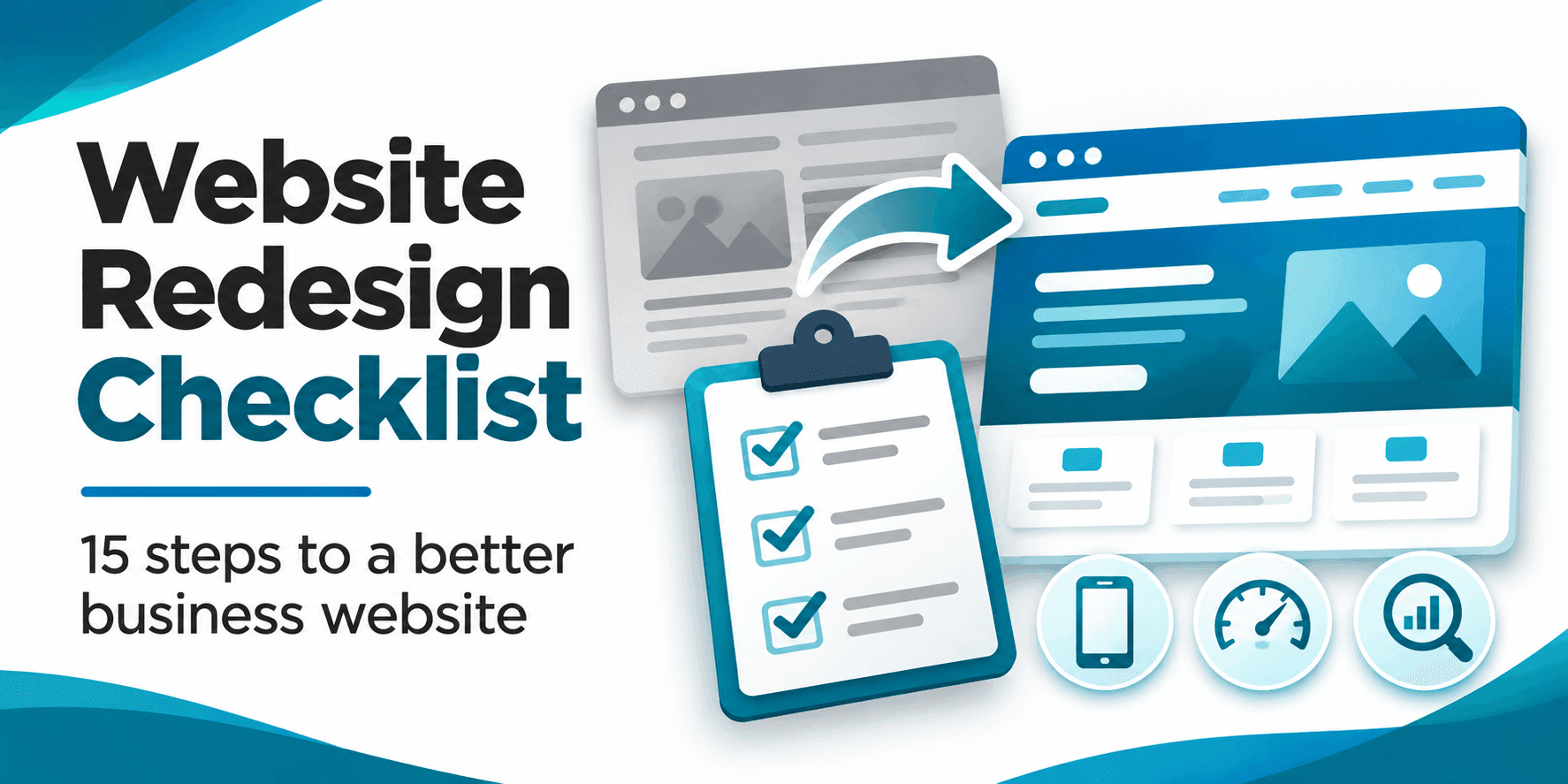
Whether you’re planning to redesign your website yourself or hire a professional, these 15 steps will help you make informed decisions, protect what’s already working, and create a better experience for your visitors.
Table of Contents
A website redesign is the process of improving an existing website’s appearance, structure, content, or functionality.
Some redesigns focus primarily on visual changes. Others involve rebuilding the website to improve speed, navigation, mobile compatibility, and search engine optimization (SEO).
A website redesign might include:
The goal should be to create a website that better serves your customers while supporting your business objectives.
Before changing anything, identify the problems you’re trying to solve.
Is your website difficult to navigate? Does it look outdated compared to your competitors? Are visitors arriving but not contacting your business?
Common reasons for redesigning a website include poor mobile usability, slow loading times, low conversion rates, outdated content, and changes to your company’s services or branding.
Start by writing down three specific problems with your current website.
For example:
These problems should guide your redesign decisions.
Before replacing your existing website, determine what’s already working.
Use Google Analytics and Google Search Console to review your website’s performance.
Pay particular attention to organic traffic, popular pages, search queries, contact form submissions, and traffic from mobile devices.
A page that looks outdated might still generate valuable leads or rank well in search results. Removing or substantially changing it without understanding its performance could hurt your business.
Record your current metrics so you can compare them after the redesign.
Your website should be designed around the needs of your customers, not just your personal preferences.
Consider what visitors want to accomplish when they arrive.
A homeowner visiting a roofing company’s website might want to see completed projects, read reviews, and request an estimate.
Someone visiting a law firm’s website might want to understand the firm’s services, credentials, and consultation process.
Identify your customers’ most common questions and make sure your redesigned website answers them clearly.
Review the websites of several businesses competing for the same customers.
Look at how they organize their services, present customer reviews, explain pricing, and encourage visitors to make contact.
Pay attention to what they do well and where their websites fall short.
For example, if competing websites make visitors search through several pages to find contact information, you could improve the experience by making your contact options immediately visible.
The goal isn’t to copy competitors. It’s to understand what customers expect and identify opportunities to provide a better experience.
A confusing website makes it harder for visitors to find what they need.
Before designing individual pages, create a list of the pages your website should include.
For many small businesses, this might include a homepage, about page, services page, individual service pages, contact page, and helpful articles.
Organize these pages into a logical navigation structure.
Give important services dedicated pages when they need enough information to answer customer questions and target distinct search intents.
Make sure visitors can find your most important information without unnecessary clicking.
One of the biggest mistakes businesses make during a website redesign is changing or deleting existing pages without considering SEO.
If your website already receives organic traffic, protecting that traffic should be a priority.
Before launching your redesigned website:
For example, if your existing service page uses /services/web-design/ and you move it to /web-design/, the old URL should redirect to the new one.
Google provides detailed website migration guidance explaining how to prepare URL mappings and redirects.
Remember that even a carefully planned redesign can cause temporary ranking fluctuations.
A redesign is a good opportunity to review the words on your website.
Outdated descriptions, vague headlines, and generic marketing language can make it difficult for potential customers to understand what your business offers.
Your content should clearly explain:
Avoid writing every page around keywords alone.
Instead, create useful content that directly answers the questions customers are asking.
Google’s guidance on helpful content emphasizes creating information for people rather than primarily for search rankings.
Your redesigned website needs to work well on phones, tablets, and desktop computers.
A website that looks excellent on a large monitor may still frustrate visitors using smaller screens.
Check that navigation menus are easy to use, buttons have enough space around them, text is readable, and forms don’t require excessive scrolling or zooming.
Also check whether images, tables, and embedded content fit properly on smaller displays.
Test the actual experience on mobile devices rather than relying exclusively on a desktop preview.
Slow websites can frustrate visitors before they have a chance to explore your services.
A redesign provides an opportunity to address performance problems caused by oversized images, excessive scripts, poorly configured hosting, and unnecessary website features.
Start by testing your current website with Google PageSpeed Insights.
Pay attention to Google’s Core Web Vitals:
Use the results to identify specific improvements rather than focusing only on achieving a perfect performance score.
A beautiful website won’t accomplish much if visitors don’t know what to do next.
Every important page should provide a clear next step.
Depending on your business, that might mean requesting a quote, scheduling a consultation, calling your office, or submitting a contact form.
Make your calls to action specific.
For example, “Request a Free Quote” communicates a clearer action than “Learn More” when the goal is to generate inquiries.
Place your primary call to action where visitors can easily find it, particularly on your homepage and service pages.
Potential customers often compare several businesses before making a decision.
Your website should help them feel confident that your company is credible and capable of providing the services they need.
Consider including genuine customer testimonials, project examples, relevant certifications, business contact information, and clear descriptions of your process.
Use authentic photos when possible.
Avoid fabricated reviews, exaggerated claims, or generic statements that don’t tell visitors anything meaningful about your business.
Trust is built through useful information, transparency, and a consistent experience.
A contact form that looks functional but fails to deliver messages can cost your business valuable opportunities.
Before launching your redesigned website, test every important interaction.
Submit test inquiries using your contact forms and confirm that notifications arrive at the correct email address.
Check required fields, confirmation messages, spam protection, and mobile compatibility.
If your website includes online payments, appointment scheduling, newsletter subscriptions, or customer accounts, test those workflows too.
Don’t assume something works simply because the page loads correctly.
Your website should be secure and usable by as many visitors as reasonably possible.
Confirm that your website uses HTTPS and that your software, themes, and plugins are maintained.
Review user accounts and remove access that is no longer necessary.
For accessibility, use descriptive page headings, meaningful image alternatives, readable text, appropriate contrast, and keyboard accessible navigation.
Forms should include clear labels and understandable error messages.
Accessibility should be considered throughout the redesign rather than treated as a final adjustment.
Before publishing your redesigned website, perform a final review.
Check the following items:
If your development website was protected from search indexing, confirm that those restrictions do not carry over to the live website.
Launch only after you’ve tested the features that matter most to your customers.
Your work isn’t finished once the redesigned website goes live.
Over the following weeks, monitor search performance, website traffic, contact form submissions, and technical errors.
Use Google Search Console to identify indexing problems and investigate unexpected changes in search visibility.
Use your analytics platform to compare visitor behavior and lead generation against your original baseline.
If you notice a significant drop in traffic, investigate changed URLs, missing redirects, indexing restrictions, and altered content.
If traffic remains steady but inquiries decline, review your calls to action, forms, and the overall customer experience.
A successful website redesign should be evaluated by how well it supports your business, not simply by how much better it looks.
Website redesign costs depend on the size and complexity of your existing website, how much content needs to change, and whether you need new functionality.
Updating a few pages of an existing small business website generally requires less work than rebuilding a large website with custom integrations or ecommerce functionality.
Factors that influence pricing include:
Before requesting a quote, create a list of the problems you want your redesigned website to solve.
This helps a web design company understand your goals and provide a proposal based on the actual work involved.
A simple redesign may be manageable if you’re comfortable using your website platform and only need to update a few visual elements.
However, professional assistance may be worth considering when the project involves complicated functionality, structural changes, SEO migration, or major performance problems.
A professional web designer can help you evaluate your existing website, identify opportunities for improvement, and develop a redesign plan that considers both appearance and functionality.
The right choice depends on your technical experience, available time, budget, and the importance of your website to your business.
Your website should make it easy for customers to understand what you offer, find the information they need, and contact your business.
Whether your current website feels outdated, struggles on mobile devices, or isn’t generating enough inquiries, a thoughtful redesign can help address those problems.
At Dog Byte Marketing, we provide web design and development services for businesses looking to improve their online presence.
Based in Chattanooga, Tennessee, we help businesses create websites that are clear, functional, and built around their goals.
Ready to discuss your website?
There is no universal schedule for redesigning a website. Instead of replacing your design every few years automatically, review its performance, usability, content, and business requirements regularly. Redesign when meaningful problems or opportunities justify the investment.
It can if important pages are deleted, URLs are changed without proper redirects, or valuable content is removed. Careful planning can reduce these risks, although temporary search ranking fluctuations may still occur.
The timeline depends on the project’s scope. A small website with limited changes may take considerably less time than a custom website requiring extensive content, integrations, and testing. Agree on requirements and approval milestones before starting.
Yes. Many redesigns preserve existing URLs, which can simplify the process and reduce migration risks. You don’t need to change your domain name or page addresses simply to update your website’s appearance.
A website refresh typically involves smaller improvements to colors, typography, images, or individual sections. A redesign can involve more substantial changes to the website’s structure, content, user experience, and underlying functionality.