Johnny
Keeping users informed is an important part of running a successful website or online store. Whether you’re announcing a sale, sharing important updates, or notifying customers about their orders, having a reliable way to communicate directly with your audience can improve engagement and the overall user experience.
While email marketing is an effective communication channel, not every message needs to be delivered to someone’s inbox. Sometimes, the best place to reach your users is directly on your website.
That’s why we developed User Notifications, a free WordPress plugin that brings a customizable notification system to WordPress and WooCommerce websites.
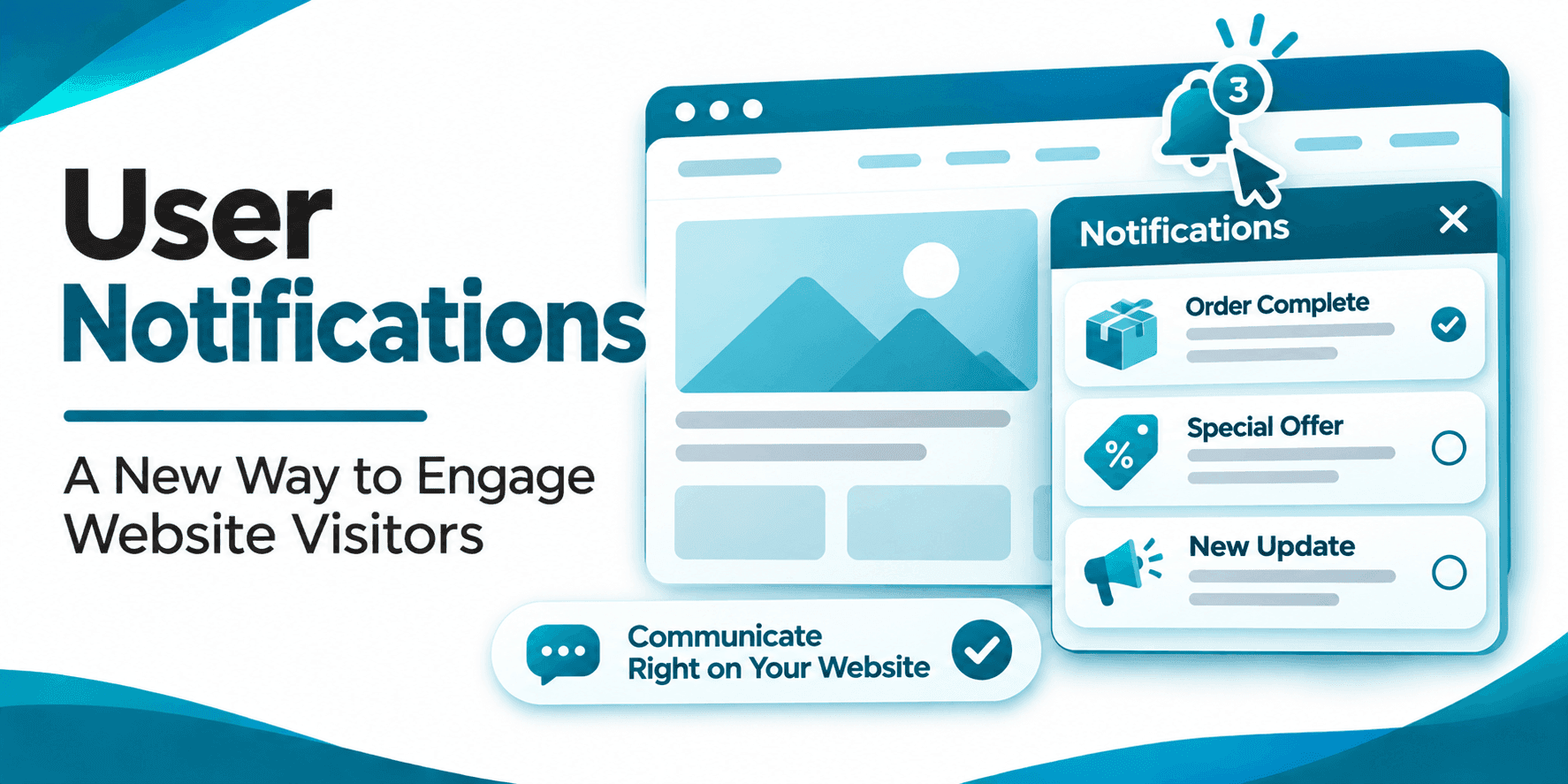
User Notifications is a WordPress plugin that allows website owners to display notifications directly within their website’s navigation menu. Users can access notifications through a familiar notification bell, complete with a dynamic badge indicating how many unread notifications are available.
When users click the notification bell, a sidebar opens where they can view messages, mark notifications as read, and dismiss them. This provides a centralized location for important information without interrupting the browsing experience with popups or requiring users to check their email.
The plugin also extends notification functionality to the WordPress admin toolbar, allowing developers to deliver notifications from other WordPress plugins.
Many websites rely on announcement banners, popups, and emails to communicate with their users. Although these methods have their benefits, they can become intrusive or easily overlooked.
An integrated website notification system gives users the flexibility to view updates whenever it’s convenient for them. Some practical uses include:
Announcing upcoming sales and special promotions.
Informing customers about completed WooCommerce orders.
Sharing new products, services, and website features.
Communicating important account or website updates.
Announcing scheduled website maintenance.
Delivering custom notifications from other WordPress plugins.
Encouraging returning visitors to explore new content.
By keeping notifications accessible through your website’s navigation menu, you can communicate important information without disrupting the user experience.
User Notifications includes a dedicated custom post type within the WordPress dashboard, making it easy to create and manage notifications without modifying your website’s code.
Website administrators can use this functionality to publish announcements, promote special offers, and communicate important information with their audience.
Keeping customers informed about their purchases is an essential part of providing a positive online shopping experience.
User Notifications integrates with WooCommerce to automatically notify customers when their orders are marked as completed. Customers can view these updates directly on your website rather than relying exclusively on order notification emails.
This functionality is particularly useful for stores looking to improve communication and encourage customers to return to their websites.
The notification bell displays a dynamic badge showing the number of unread notifications. When all notifications have been marked as read, the badge disappears while the notification bell remains accessible.
This creates a familiar experience similar to the notification systems found on social media platforms and modern web applications.
Users can mark individual notifications as read or mark all notifications as read at once. They can also dismiss notifications they no longer need.
Relative timestamps make it easier to understand when notifications appeared by displaying familiar time indicators rather than requiring users to interpret full dates and timestamps.
Every website has a different visual identity. User Notifications provides flexibility through customizable notification icons and container classes, allowing you to integrate the notification system with your existing website design.
Whether you’re using Bootstrap Icons, another icon library, or your own custom styles, the notification bell can be adapted to match your website.
User Notifications includes privacy settings and dismissal handling for both registered users and guests. Dismissed frontend notifications are associated with the user account for registered users, while guest dismissals are stored using a cookie.
Website administrators can also disable notifications from external plugins through the advanced plugin settings.
Getting started with User Notifications is simple. Once the plugin is installed and activated, you can add the following shortcode to your website’s navigation menu:
[notifications_dogbytemarketing]This shortcode displays the notification bell and its dynamic unread notification badge.
By default, the plugin uses Bootstrap Icons. If your website uses a different icon library, you can specify a custom icon class using the following shortcode:
[notifications_dogbytemarketing class="your-icon-class"]You can also apply additional CSS classes to the notification container:
[notifications_dogbytemarketing class_container="custom-notifications"]These customization options make it easier to integrate the notification system into virtually any WordPress theme.
User Notifications isn’t limited to the frontend of your website. The plugin also adds a notification bell to the WordPress admin toolbar next to the username.
This gives WordPress developers a dedicated location to communicate important information to website administrators without adding unnecessary notices throughout the dashboard.
Some potential uses include plugin updates, synchronization results, background task notifications, integration errors, and important configuration reminders.
The notification bell remains visible even when there are no unread notifications, allowing administrators to revisit previously read messages that haven’t been dismissed.
One of the most powerful features of User Notifications is its extensibility. WordPress developers can integrate their own plugins with the notification system without having to develop and maintain a separate notification interface.
Using the user_notifications_notifications filter, developers can register custom notifications for the WordPress admin toolbar, the frontend of the website, or both.
Here’s an example of how to register a custom notification:
add_filter('user_notifications_notifications', 'my_plugin_notifications', 10, 2);

function my_plugin_notifications($notifications, $context) {
  if ('admin_bar' !== $context && 'frontend' !== $context) {
    return $notifications;
  }

  $notifications[] = array(
    'id'      => 'my-plugin-welcome',
    'title'   => 'Welcome',
    'message' => 'You can dismiss this.',
    'url'     => 'https://example.com',
  );

  return $notifications;
}
Each notification requires a unique and stable ID and a title. Developers can also provide an optional message, destination URL, and Unix timestamp.
User Notifications handles the notification interface, unread badges, relative timestamps, and dismissal persistence. If User Notifications is not active, the filter will not run, allowing developers to offer an optional integration without requiring the plugin.
Website administrators remain in control of these integrations and can disable notifications from external plugins through the advanced settings.
WordPress plugins frequently use administrative notices to communicate with website owners. Unfortunately, when multiple plugins use these notices, the dashboard can quickly become cluttered.
User Notifications offers developers an alternative location for noncritical messages. Instead of displaying every informational message at the top of an administrative page, developers can deliver updates through a centralized notification panel.
This approach helps keep the WordPress dashboard organized while ensuring important information remains accessible. Critical warnings can still be displayed through traditional administrative notices when immediate attention is necessary.
Website engagement doesn’t always require aggressive marketing tactics. Providing users with relevant, accessible information can help create a more enjoyable browsing experience.
For WooCommerce stores, notifications can complement existing email marketing campaigns by making promotions and order updates available directly on the website. For membership websites, notifications can communicate new content, announcements, and important community updates.
If your website requires more advanced functionality, our WordPress development services can help you build custom integrations and features tailored to your business.
Whether you’re managing a WooCommerce store, a membership website, or developing your own WordPress plugins, User Notifications provides a flexible foundation for delivering important messages.
With customizable icons, unread notification badges, WooCommerce integration, privacy settings, and developer extensibility, you can introduce a modern notification experience without building an entire notification system from scratch.
Install User Notifications today and give your users a better way to stay informed.
WordPress does not include a general frontend notification system for website visitors. User Notifications adds this functionality through a customizable notification bell and sidebar that can be integrated into your website’s navigation menu.
Yes. User Notifications integrates with WooCommerce and can automatically notify customers when their orders are marked as completed.
Yes. Guests can receive applicable frontend notifications. Dismissed notifications are stored using a cookie, while registered users have their dismissals associated with their user accounts.
Yes. User Notifications allows you to specify custom icon classes and notification container classes through shortcode attributes, making it easy to match your existing website design.
Yes. Developers can use the user_notifications_notifications filter to deliver custom notifications through the WordPress admin toolbar, the frontend notification sidebar, or both.
Yes. User Notifications includes an advanced setting that disables notifications registered by external plugins in both the WordPress admin toolbar and the frontend.
Yes. Users can mark individual notifications as read or mark all notifications as read at once.