Johnny
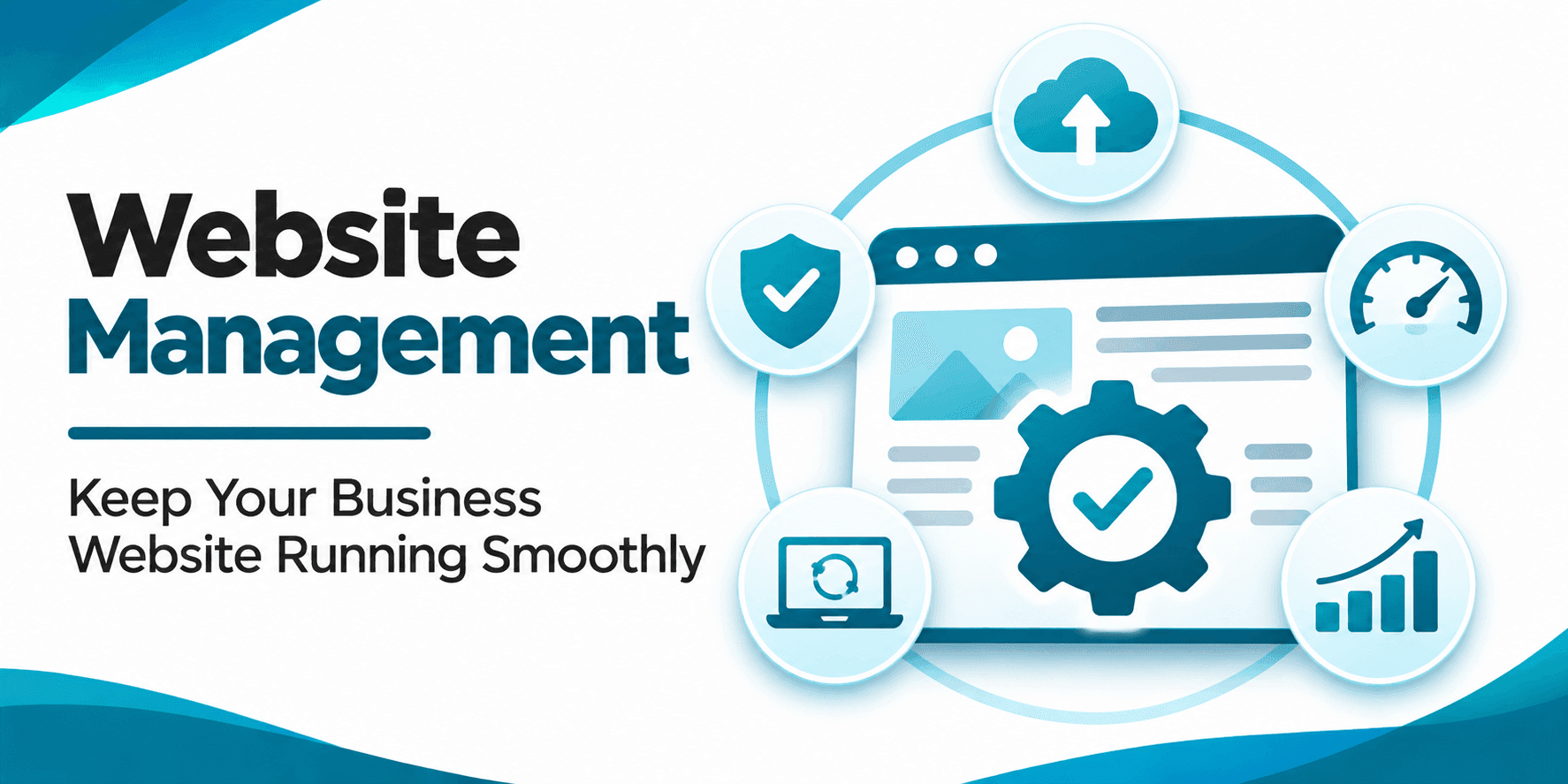
Your website is often the first place potential customers interact with your business. It helps people learn about your services, compare their options, and decide whether to contact you. But launching a website is only the beginning. Just like your business needs ongoing attention, your website requires regular updates, maintenance, security checks, and performance monitoring to remain effective. This ongoing process is known as website management. Unfortunately, many small business owners don’t think about managing their websites until something goes wrong. A contact form stops sending messages, a plugin update breaks the layout, or an outdated service page sends potential customers looking elsewhere. These problems can often be avoided with a consistent website management plan.
Website management is the ongoing process of maintaining, updating, monitoring, and improving a website to ensure it remains secure, functional, accurate, and useful to visitors. It involves much more than occasionally changing text or uploading new images.
A complete website management strategy typically includes:
The exact responsibilities depend on your website’s size, platform, and purpose.
For example, a small business website with five pages may require relatively little ongoing work. An online store processing orders every day needs much closer attention to security, payment processing, product information, and customer experience.
Regardless of size, every business website needs someone responsible for keeping it operational.
Your website should be an asset that supports your business, not another source of problems. Without ongoing management, small issues can gradually become expensive setbacks.
Imagine a potential customer searching for your services, clicking your website, and receiving an error message. They might try again later, but they could also choose a competitor. Website downtime can occur because of hosting problems, expired domains, software conflicts, server issues, or unexpected technical failures. Regular monitoring helps you identify problems quickly and take action before they cause extended disruptions. For businesses that depend on website inquiries or online sales, uptime monitoring is especially important.
Outdated software, weak passwords, and unnecessary administrator accounts can increase your website’s exposure to security risks. A compromised website could result in unwanted redirects, stolen information, malicious content, or lost customer trust. Website security management helps reduce these risks through software updates, secure account access, regular backups, and monitoring for suspicious activity. No website is completely immune to security threats, but preventive maintenance can significantly improve your ability to detect problems and recover.
Over time, websites can develop performance problems. New plugins, large images, unnecessary scripts, and changes to website functionality can affect loading speeds and responsiveness. Regular performance monitoring helps identify these issues before they become serious. A faster, easier to use website can improve the customer experience and reduce frustration during important actions such as submitting forms or completing purchases.
Search engine optimization isn’t something you complete once and forget. Your website’s content, technical structure, internal links, and performance all require attention as your business and the search landscape change. Website management supports SEO by keeping important pages accessible, repairing broken links, maintaining accurate information, and identifying technical problems. While regular maintenance alone won’t guarantee better Google rankings, neglecting your website can create issues that hurt its visibility.
Attracting visitors is only useful if your website helps them take the next step. A broken contact form, confusing navigation menu, or outdated phone number could prevent someone from becoming a customer. Effective website management includes checking the features that generate leads and sales. This means testing contact forms, reviewing calls to action, and making sure your website continues to support your business goals.
Let’s look more closely at the essential responsibilities involved in managing a small business website.
Website maintenance involves keeping the software and components that power your website current and functional. For WordPress websites, this often includes updating WordPress itself, installed plugins, and active themes. Updates may contain security patches, bug fixes, compatibility improvements, and new features. However, applying updates without proper precautions can create problems. A plugin update might conflict with your theme, change an important feature, or cause part of your website to stop working.
A safer update process involves:
According to the official WordPress documentation, reviewing compatibility and maintaining backups are important parts of the update process.
If your website uses custom functionality or connects to outside services, additional testing may be necessary.
Website security should be part of your ongoing maintenance routine.
Basic security measures include:
Business owners should also make sure they control the accounts associated with their domain, hosting, and website. If the only person with administrator access leaves the company or becomes unavailable, regaining control could become difficult. Security is not simply about installing a plugin. It requires consistent account management, maintenance, and planning.
A website backup is a copy of the information and files needed to restore your website after a problem. Depending on your platform, this may include your website’s files, database, images, settings, and configuration. Backups can help you recover from accidental changes, failed updates, hosting issues, and certain security incidents. However, creating backups isn’t enough. You should also know where they’re stored, how long they’re retained, and whether they can successfully restore your website. For important business websites, consider storing backups separately from your main hosting environment.
How often should you back up your website?
The answer depends on how frequently your website changes. A mostly static company website may only need daily or weekly backups, depending on its risk tolerance. An ecommerce website processing orders throughout the day may require much more frequent backups. The more information you would lose during an outage, the more important your backup frequency becomes.
Website performance affects how quickly visitors can access and interact with your content. Slow loading times can result from oversized images, inefficient code, excessive plugins, poor hosting configurations, and other technical problems. Google provides a free tool called PageSpeed Insights that can help identify performance issues.
It also reports metrics known as Core Web Vitals, including:
Not every performance issue requires rebuilding your website. Sometimes, properly sizing images, adjusting caching, removing unnecessary scripts, or improving hosting resources can make a meaningful difference. The goal should be a website that works reliably for real visitors, not simply a perfect test score.
Your website should reflect what your business currently offers. Unfortunately, it’s common to find business websites with outdated services, old employee information, incorrect hours, or promotions that expired months ago. Content management involves reviewing and updating this information regularly.
Important areas to check include:
Content updates also create opportunities to answer new customer questions and explain your services more clearly. For example, if customers frequently ask about a service that isn’t explained on your website, creating a helpful page could reduce confusion and improve the quality of incoming inquiries.
SEO management focuses on maintaining and improving your website’s visibility in search engines. Ongoing SEO tasks may include reviewing search performance, updating outdated content, identifying broken pages, improving internal links, and resolving indexing issues. Google Search Console is particularly useful for understanding how your website appears in Google Search. It can help you identify which pages receive search traffic, which queries generate impressions, and whether Google encounters indexing problems. Businesses serving specific geographic areas should also review their local SEO presence. This includes keeping business information consistent and maintaining an accurate Google Business Profile when eligible. SEO requires ongoing evaluation, but not every website management service includes SEO strategy or content creation. Always confirm what’s included in a management plan.
Uptime monitoring checks whether your website is available to visitors. Monitoring services can periodically request your website and alert you when they detect a problem. This is useful because website failures don’t always happen during business hours. However, uptime monitoring doesn’t guarantee that every part of your website works correctly. A website might load normally while its contact forms, checkout process, or appointment scheduling system fails. That’s why functional testing is just as important as uptime checks.
Website analytics help you understand whether your website is supporting your business goals.
For many small businesses, useful measurements include:
Google Analytics can provide information about traffic sources and visitor behavior, while Google Search Console focuses on search visibility. Tracking should be configured appropriately for your business, including applicable privacy and consent requirements. The most useful metrics depend on what you’re trying to accomplish. A local service provider might prioritize qualified inquiries, while an ecommerce store may focus on completed purchases and revenue.
The easiest way to stay organized is to divide website management into recurring tasks.
Use the following schedule as a starting point and adjust it based on the complexity and importance of your website.
| Frequency | Recommended Website Management Tasks |
|---|---|
| Daily | Monitor uptime, critical errors, security alerts, and backups |
| Weekly | Review software updates, test forms, check key pages, and confirm backups |
| Monthly | Review analytics, performance, broken links, content accuracy, and account access |
| Quarterly | Audit SEO, accessibility, website structure, recovery procedures, and outdated features |
| Annually | Review hosting, domain renewals, privacy requirements, design effectiveness, and overall website strategy |
Some tasks need more frequent attention. For example, a high traffic online store may require continuous monitoring and frequent backup verification. A small informational website might need less intensive management. The important part is creating a consistent process rather than waiting until something breaks.
Website management costs vary depending on your website’s size, technical requirements, and how much work is included. There is no universal price that applies to every business. A provider handling basic WordPress updates and backups will generally have different pricing than one managing a large ecommerce website with custom integrations. For budgeting purposes, the following are illustrative monthly planning ranges, not verified market averages or Dog Byte Marketing quotes.
| Website type | Illustrative monthly budget |
|---|---|
| Basic informational website | $25–$100 |
| Small business website with ongoing maintenance | $75–$250 |
| Business website requiring frequent content and technical support | $150–$500 |
| Ecommerce or custom functionality | $250–$1,000+ |
Your actual costs may fall outside these ranges.
Website size: A website with hundreds of pages typically requires more attention than a simple five page website.
Software and integrations: Custom functionality, payment processing, booking systems, and outside integrations can increase maintenance requirements.
Content updates: Frequently publishing articles or updating service pages adds ongoing work.
Security requirements: Websites handling sensitive information may require additional protections, monitoring, and specialized support.
Response expectations: Guaranteed response times and emergency support can increase costs.
SEO and marketing: Content creation, SEO strategy, and conversion optimization are often billed separately from routine maintenance.
Before choosing a provider, request a clear explanation of the services included, exclusions, response times, and any additional fees.
Should you manage your website yourself or hire someone? Both approaches can work, depending on your experience, available time, and business requirements.
If you have a simple website and feel comfortable using its platform, handling basic maintenance yourself may be reasonable. You can learn to update content, install software updates, review analytics, and manage backups. However, you’ll need to set aside time for these responsibilities and understand when a task requires technical assistance. Making changes without proper backups or testing can sometimes create more work than expected.
Professional website management may make sense if your website is important to your daily operations or you don’t have time to maintain it consistently. A developer or website management provider can help with updates, troubleshooting, security, performance, and technical changes. This can be particularly useful for businesses using WordPress, WooCommerce, custom integrations, or other systems that need careful maintenance. The most important consideration is making sure the provider’s responsibilities are clearly defined. For example, some website management companies only handle software maintenance. Others offer content updates, SEO, hosting support, and development services. Don’t assume every service is included.
Although people sometimes use these terms interchangeably, website management generally covers a broader range of responsibilities.
Website maintenance primarily focuses on keeping a website functional and technically healthy.
This may include applying updates, fixing bugs, creating backups, and checking security.
Website management can include all those maintenance responsibilities plus content updates, performance analysis, SEO monitoring, analytics, and ongoing improvements. For example, fixing a broken contact form is website maintenance. Reviewing form submissions, improving the contact page, and identifying ways to generate more inquiries is part of broader website management. Both are important, but they address different aspects of your website’s success.
Even well intentioned business owners can overlook important aspects of website management.
Here are seven mistakes worth avoiding.
Outdated components can introduce security and compatibility problems. Review available updates regularly and follow a safe testing and backup process.
A backup only helps if you can restore it. Periodically confirm that your recovery process works.
Every additional plugin introduces code that may require maintenance. Remove plugins and features you no longer need, and choose actively maintained software from trustworthy sources.
A website can appear normal even when form submissions stop reaching your inbox. Send test inquiries regularly and check that notifications arrive.
Review important pages and interactions on mobile devices. Pay particular attention to navigation, forms, buttons, and text readability.
Performance problems can develop gradually. Check your website periodically rather than waiting for customers to complain.
Your business should know who owns and manages its domain registration, hosting account, website software, and associated services. Maintain appropriate administrator access and keep renewal information current. Losing access to these accounts can create serious operational difficulties.
If you’re considering outsourcing website management, choosing the right provider matters. Start by asking what the company actually manages. Some providers focus exclusively on WordPress updates. Others offer web development, content management, hosting administration, performance optimization, and SEO.
Before committing to a website management service, ask these questions:
A reliable provider should explain its responsibilities clearly and avoid making unrealistic promises. Be cautious of anyone guaranteeing that your website can never be hacked, experience downtime, or lose search rankings.
Your website represents your business around the clock. Keeping it updated, secure, functional, and useful requires ongoing attention. Effective website management helps reduce technical risks, improve the visitor experience, and ensure your website continues supporting your business goals. You don’t necessarily need an expensive management plan or a large technical team. What matters is having a clear process, knowing which tasks are important, and making sure someone is responsible for completing them. Whether you manage your website yourself or work with a professional, consistent maintenance is one of the most practical ways to protect your website investment.
Yes. Even relatively simple websites need occasional software updates, content reviews, security checks, and technical monitoring. The amount of work depends on how the website is built and how frequently it changes.
Review urgent security updates promptly. Check routine maintenance tasks at least weekly or monthly depending on your website’s complexity. Content should be updated whenever business information changes.
Yes. WordPress provides tools for managing content, plugins, themes, and settings. However, more complicated tasks involving code, hosting, security incidents, or compatibility problems may require professional assistance.
Not always. Basic website maintenance and ongoing SEO services are often offered separately. Ask your provider whether keyword research, technical SEO, content optimization, and search performance monitoring are included.
No. Website hosting provides the server resources needed to make your website accessible online. Website management involves maintaining and improving the website itself. Some companies provide both services, but they are not interchangeable.
An unmanaged website may become outdated, develop technical problems, experience security vulnerabilities, or stop functioning correctly. The severity of these issues depends on your platform, hosting environment, and website functionality.
Consider professional help if you regularly encounter technical problems, don’t have reliable backups, lack time for updates, or depend on your website for important business activities such as generating leads or processing orders.